FAQ ABOUT PINE
If I use PINE for the first time
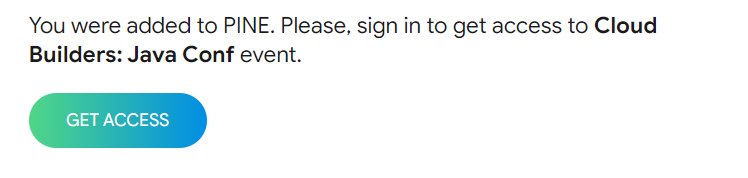
1. Follow the link we sent you by the mail with subject “Welcome to Cloud Builders: Java Conf”
2. Click Get access and create the password.
If I used PINE before
1. Click LOG IN and enter the email you’ve registered for.
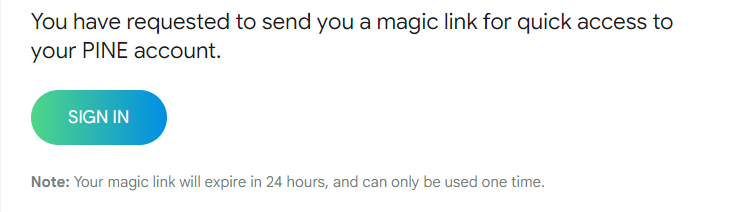
3. Ask PINE for a “magic link”, if you don't remember the password, and you’ll be sent access to your email.
.png)
.png)
IMPORTANT: If you have any trouble with logging in— shoot us a message to [email protected]
How can I join the event platform PINE with another email?
1. Follow this link: https://app.pine.events/
2. Click SIGN UP and fill the form as attendee.
.png)
3. Add the EVENT CODE: JAVA2308
.png)
I do not see the event after clicking on the event link. What should I do?
1. Check your email. Make sure it matches the one you used when registering for the event or purchasing tickets.
2. Another reason, perhaps, you need to enter the code to be able to see the event. In this case, we recommend you to add the EVENT CODE: JAVA2308. And it must be entered in the appropriate field.
3. If nothing helps, please contact us: [email protected]
Where can I email for another technical support?
Please, feel free to contact us [email protected] for any technical issues.


.png)
.png)
.png)
.png)


